
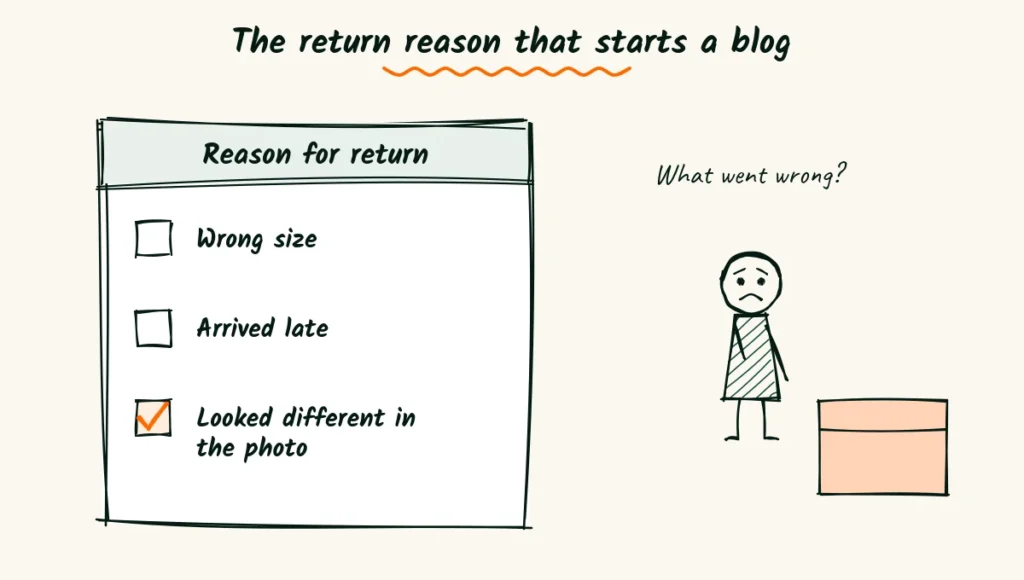
When a shopper returns a product, they pick a reason from a short list. One reason is “Looked different in the photo.”
Every time someone picks that one, a seller somewhere wonders what went wrong.
That worry is a great source of product photographer blog ideas.
Sellers don’t search for “product photography.” They search for the problem in front of them.
Why does my candle look orange online? How do I show that a ring is tiny? Why did Amazon reject my main image?
Answer those questions on your blog, and the right people start finding you.
Not other photographers, but sellers who need help and can pay for it.
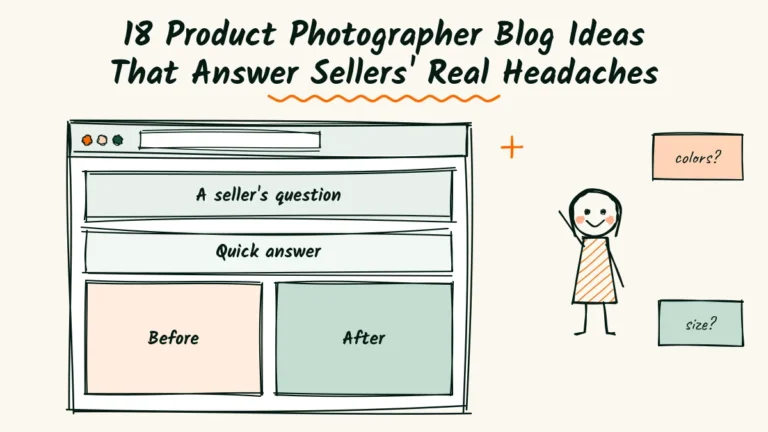
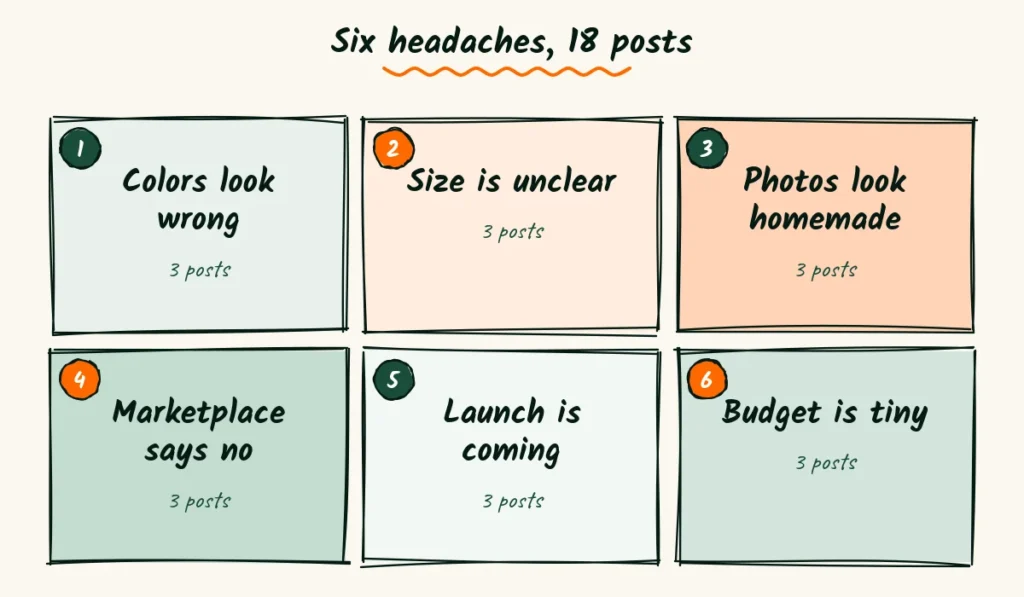
Here are 18 post ideas, sorted by six common seller problems.
You’ll also get one easy layout for every post and a plan to keep going.
Write for the seller, not the photographer next door
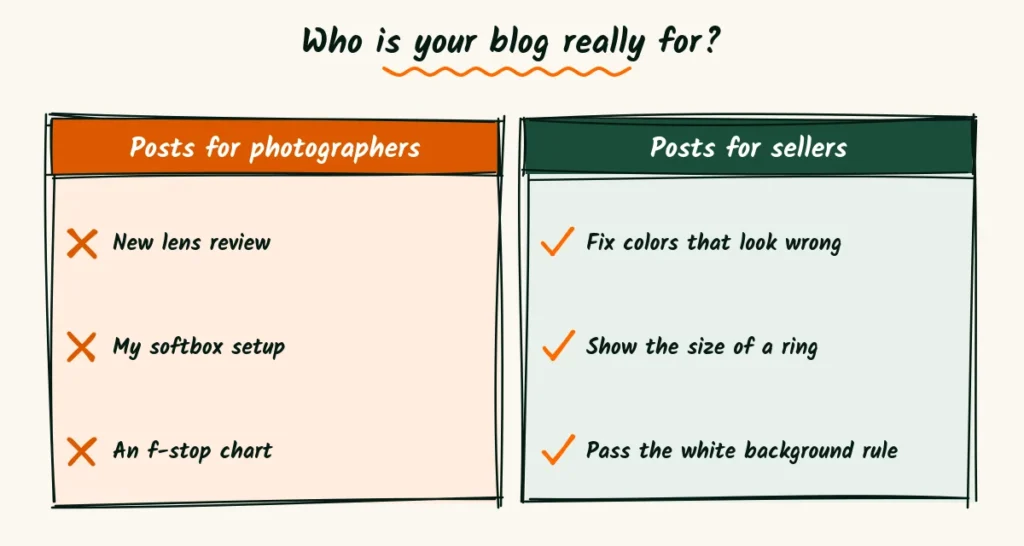
Most photography blogs drift toward gear. A new lens, a softbox review, a lighting diagram with f-stops.
Those posts are fun to write, and other photographers love them.
But other photographers rarely hire you. A candle maker doesn’t care which lens you used.
She cares that her amber jar finally looks amber.
A quick way to check a post idea is to ask who would type it into Google. If the answer is “someone with a camera,” it’s a hobby post.
If the answer is “someone with a shop,” it’s a business post.
You can keep a few hobby posts. Just don’t let them run the blog.
The best small business blog posts start from the reader’s problem, not the writer’s toolbox.
A simple ratio helps. For every post you write about gear or technique, write three that answer a seller’s question.
Over a year, that mix tells Google, and every visitor, exactly who your blog is for.
Six headaches, eighteen posts
Every idea below starts with a problem sellers already have. Each one comes with a sample title and a short note on what goes inside.
Use the titles as they are, or reword them in your own voice. The headache is what matters.
Colors that don’t match the real thing
Color complaints cause returns, bad reviews and a lot of stress. Sellers want to know why it happens and what they can do today.
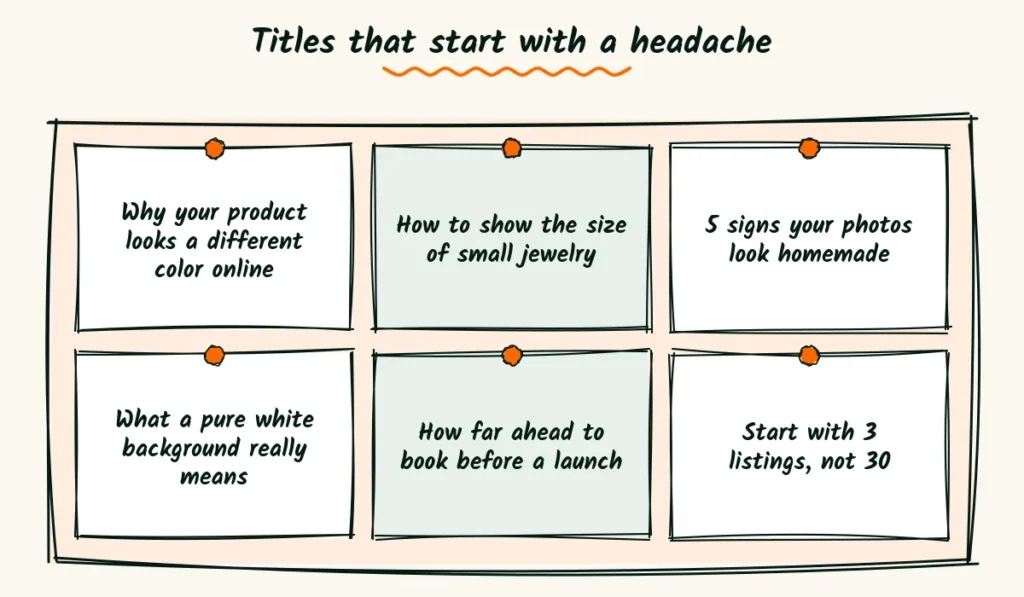
- Why your product looks a different color online. Explain white balance in plain words, with one before and after.
- How to photograph white products without them turning gray. Show the setup with a sheet of paper and a window.
- What to tell shoppers about color in your listing. Give sellers two or three honest lines they can copy.
Color posts also give you a natural place to show your own work.
A side-by-side of a phone photo and a color-checked photo explains your value without a single sales line.
Nobody can tell how big it is
Size questions fill sellers’ inboxes. “Is this bigger than a quarter?” A good post saves them hours.
- How to show the size of small jewelry in photos. Compare a ring alone with a ring on a hand.
- Scale props that work and props that confuse. Coins, hands, books, mugs, and when each one helps.
- The one photo every furniture or decor listing needs. A room shot with a common object for size.
These posts work well with short captions under each photo.
Sellers often skim the pictures first and read the words only when something catches their eye.
Photos that look homemade
This is the worry that keeps many makers up at night. They know their photos look “off,” but they can’t say why.
| Post title | What goes inside |
|---|---|
| 5 signs your product photos look homemade | Clutter, mixed light, tilted angles, shadows, crops |
| How to clean up a kitchen table photo in 10 minutes | Move, wipe, turn off a lamp, reshoot |
| Phone photos that pass for pro | Window light, a white card, a steady hand |
Each of these helps sellers who might never hire you. That’s fine.
They’ll remember who helped, and the ones who outgrow DIY will come looking.
The marketplace keeps saying no
Rejected images make sellers panic, because a listing that can’t go live can’t sell.
- What a pure white background really means for your main image. Show a “nearly white” photo next to a true white one.
- Why your Etsy thumbnail crops off the product. Explain the square crop and how to leave room around the item.
- How many photos a listing needs, and what each one should show. Walk through a full set, from main image to detail shot.
Keep these posts dated and updated, because platform rules change. A small “Updated in” line near the top builds trust.
Link to the official help page in each of these posts, so sellers can check the rule for themselves.
It makes your advice easier to trust and saves you from guessing.
A launch is coming and nothing is ready
Brands planning a launch want to know how long things take. Time is the hidden worry.
- How far ahead to book product photos before a launch. Give a simple countdown from eight weeks out.
- What to send your photographer before the shoot. A short packing list with product notes and must-have angles.
- How to plan one shoot for your website, ads and emails. Show how a single session can cover every channel.
Launch posts bring some of the warmest leads, because the seller already has a date and a budget.
A short line inviting them to share their launch date can turn a reader into a booking.
The budget is tiny
Small sellers watch every dollar. Posts that respect that win their trust.
- Which product photos to pay for and which to shoot yourself. Usually the main image is worth paying for.
- How much product photography costs, and why prices vary. Per photo, per product and day rates, explained plainly.
- Start with 3 listings, not 30. How to pick the products that sell most and photograph those first.
Be honest in these posts, even when the honest answer is “you can do this yourself.”
Sellers who learn to trust you on small things are the ones who hire you for big things later.
A post shape that sellers finish
Sellers read blogs in short bursts, between orders and packing slips. A clear shape helps them get to the useful part fast.
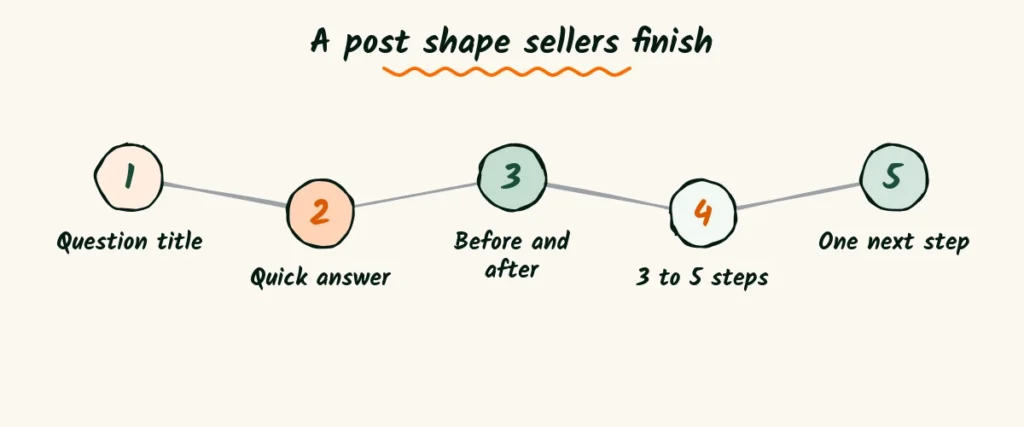
Most posts can follow the same five steps.
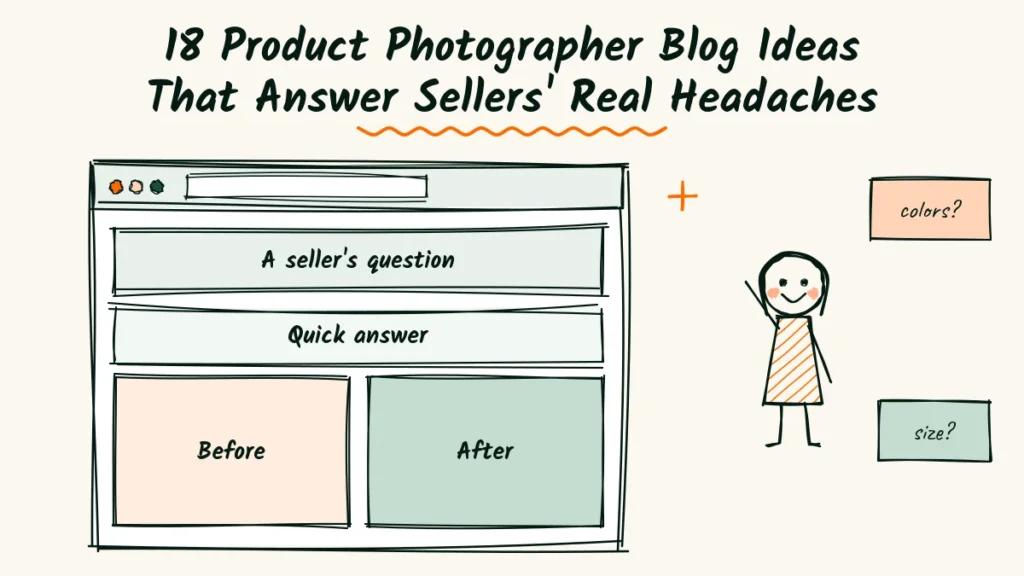
- A title that sounds like the seller’s own question.
- A short answer in the first few lines, so busy readers get it right away.
- One before and after that shows the problem and the fix.
- Three to five simple steps the seller can try today.
- A plain line about when it’s worth calling a pro, with one easy next step.
That last step is where your business lives.
Keep it gentle. “If you’d rather hand this off, I photograph listings for small shops” is enough.
The listing shape behind good product photographer ad copy works for the opening lines of a blog post too.
Product photographer blog ideas for every rung of the search ladder
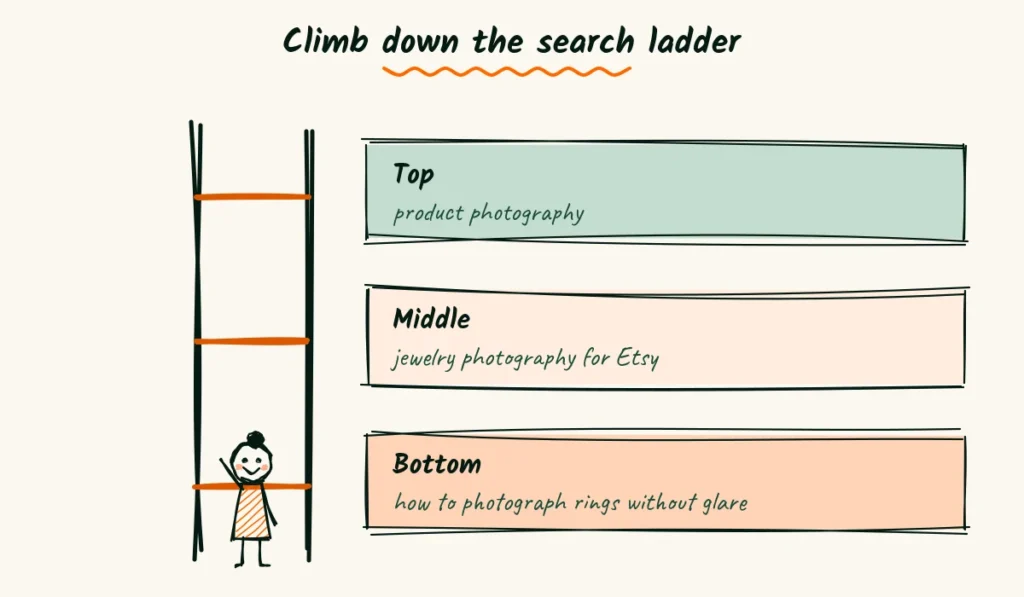
Search terms work like a ladder. The top rungs are short and busy. The lower rungs are long, specific and much easier to rank for.
New blogs rarely win the top rung. But they can own the bottom ones quickly, because so few people write for them.
| Rung | Example search | Who types it |
|---|---|---|
| Top | product photography | Everyone, including students |
| Middle | jewelry photography for Etsy | Sellers in one niche |
| Bottom | how to photograph rings without glare | A seller with a problem today |
Start at the bottom rung. Each specific post brings a small, steady trickle of the right readers.
Twenty of those trickles add up to a stream.
Once a few bottom-rung posts do well, link them to one bigger guide on the middle rung.
That guide gathers the strength of the smaller posts over time.
Finding bottom-rung searches is easier than it sounds.
Type the start of a seller’s question into Google and read the suggestions that drop down.
Then scroll to the questions box further down the results page.
Each of those questions is a ready-made title.
Write them down exactly as they appear, typos and all, because that’s how real sellers search.
Show your work without showing off
Behind-the-scenes posts can work well, as long as they stay about the seller’s result and not your gear.
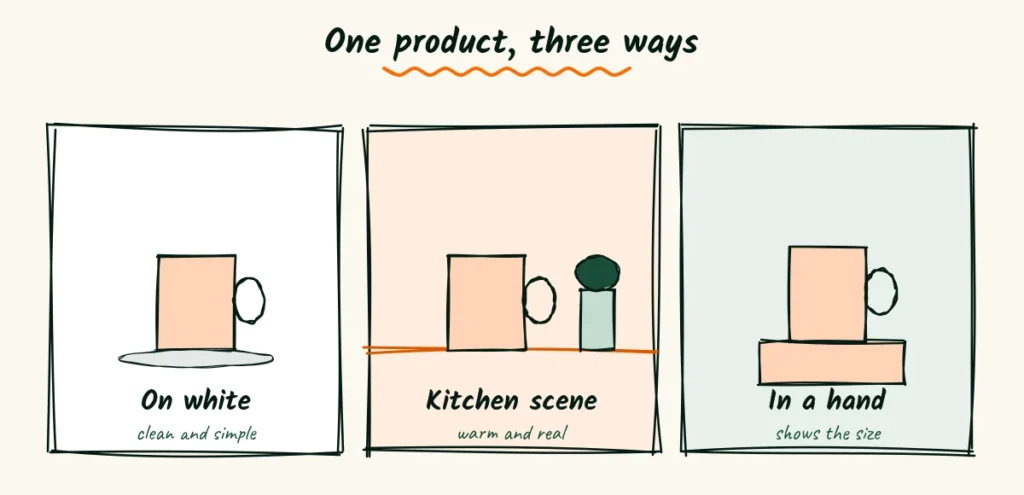
A favorite format is the “three ways” post. Shoot one product three ways, such as on white, in a kitchen scene and in a hand.
Then ask readers which one they’d click.
People love to vote, and the comments tell you what sellers in your niche actually like. It’s research and content in one go.
Client stories work too. Show the product, the problem and the result. Always ask before you use a client’s name, product or numbers.
If a brand has a launch date, wait until it’s public before posting any of their photos.
Early posts can cause real trouble for a client.
Mistake posts are another quiet winner.
“The shoot where everything looked green” tells a short story, shows the fix and proves you know your craft.
Sellers relax when they see that problems have answers.
Give every photo a job on the page
A product photographer’s blog is full of pictures, so the pictures can help people find it too.
Google reads the words around an image to understand it.
Its own advice on image SEO covers file names, alt text and placing images near related text.
Three habits cover most of it.
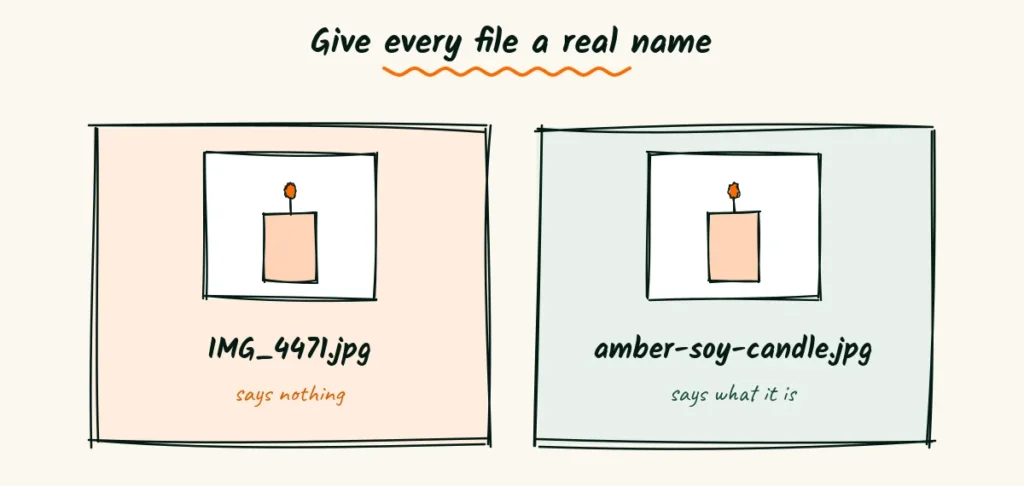
- Name files with real words. “Amber-soy-candle-before-after.jpg” says far more than “IMG_4471.jpg.”
- Write alt text that describes the photo plainly, as you would to a friend on the phone.
- Put each image right next to the paragraph it explains, not in a gallery at the end.
These steps also make your posts easier to use for readers who rely on screen readers. Good for people, good for search.
Mine your inbox for the next post
Your email is full of blog posts waiting to be written. Every question a seller asks you is one many other sellers are asking Google.
Keep a simple note on your phone called “Questions.” Each time a seller asks something, paste the exact words in.
After a month, you’ll have more titles than you can write.
When the same question comes in twice, it’s ready for a post. Write the answer once, properly, on your blog.
Next time someone asks, you can reply with a short note and a link.
This saves you time, and it shows sellers you’ve solved this problem before.
A link to a clear, helpful post often does more selling than a long email.
Write like you’re talking across the counter
Sellers aren’t photographers, so photography words can lose them fast. Plain words keep them reading.
| Instead of | Try |
|---|---|
| White balance | Getting the colors right |
| Diffused light | Soft light, like a cloudy day |
| Focal length | How zoomed in the photo is |
| Negative space | Empty room around the product |
You don’t have to avoid every technical word. Just explain it the first time, in a few plain words, and then move on.
Read your post out loud before you publish. If a sentence makes you stumble, it will make a busy seller stop reading.
Turn one shoot into three posts
Writing time is tight when you also shoot, edit and run a business. The trick is to plan posts around shoots you’re already doing.
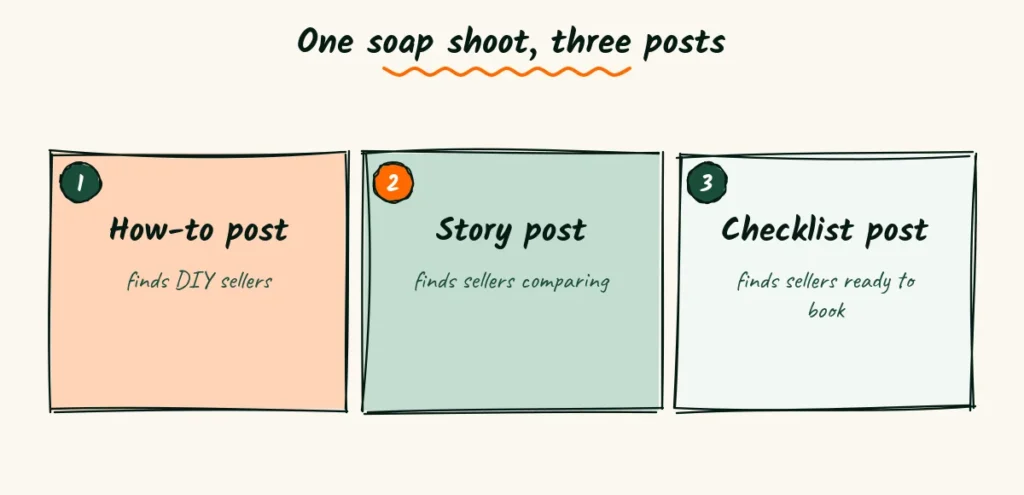
Take one client session for a small soap shop, with permission. It can become three different posts.
- A how-to post. “How to photograph bar soap so the texture shows.”
- A story post. The shop’s old photos, the plan and the new listing, told from start to finish.
- A checklist post. “What to send your photographer before a soap shoot.”
Each one reaches a slightly different reader. The how-to finds DIY sellers. The story finds sellers comparing photographers.
The checklist finds sellers who are about to book.
Plan the three posts before the shoot, not after.
Then you’ll remember to grab the extra shots each post needs, like a wide setup photo for the how-to or a phone “before” for the story.
Plan a season of posts in one sitting
A blog that posts twice and goes quiet looks abandoned. A small, steady plan beats a big burst every time.
Sit down once with a coffee and plan the next three months. It takes about an hour.
Pick one headache per month
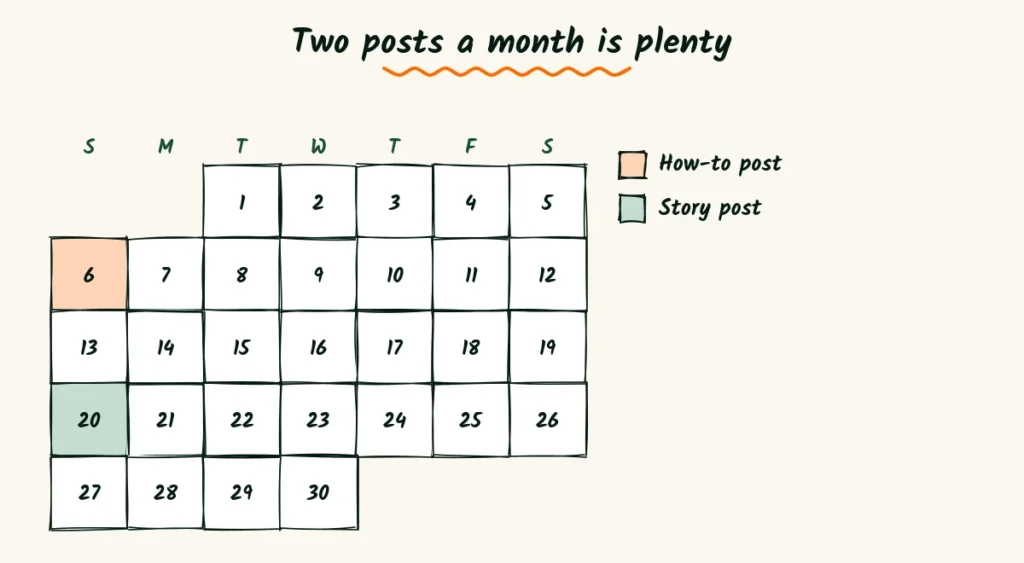
Choose three of the six headaches above, one for each month. Write two posts for each headache.
That’s six posts in three months, or one every two weeks. It’s slow enough to keep up with and steady enough for Google to notice.
Match the headaches to the seller’s calendar where you can. Launch posts suit late winter.
Color and gift-photo posts suit late summer, before holiday listings go up.
Write the titles first
Titles are the hardest part, so do them all at once while you’re in the mood.
Write each title as a seller’s question. Then type it into Google and look at the suggestions that appear.
If similar questions show up, you’re on the right track.
Keep the titles in one simple list. When it’s time to write, you’ll never stare at a blank page wondering what to say.
Get a seller from the post to your inbox
A post that helps but never invites the reader to take a next step leaves money on the table. The trick is to invite without pushing.
End with a small offer
The best endings are small and specific. Not “Contact me for all your photography needs,” but one easy step.
If you’d like a second pair of eyes, send me a link to one listing.
I’ll reply with the one change I’d make first, free.
Small offers like this feel safe. Many sellers take them, and a good share come back for a full shoot.
Link posts to your services naturally
Inside the post, link to your services page only where it fits.
A line like “this is the setup I use for small jewelry shoots” can link to your jewelry services page.
Keep it to one or two such links per post. Too many and the post starts to feel like an ad wearing a blog costume.
Make contact easy on a phone
Most sellers will read your post on a phone. Make sure the contact button or form is easy to reach from the bottom of every post.
Ask for only a few things on the form, such as a name, an email and a link to the shop.
Every extra field makes a busy seller think twice.
Invite readers to stay in touch
Not every reader is ready to book. Some are months away from a launch or a reshoot.
Offer a simple way to hear from you, like a short monthly email with one tip and one before and after.
When their timing is right, you’ll be the photographer they already know.
Check which posts pull their weight
After a few months, look at what each post is doing. You don’t need fancy tools. A free analytics account and a notebook are plenty.
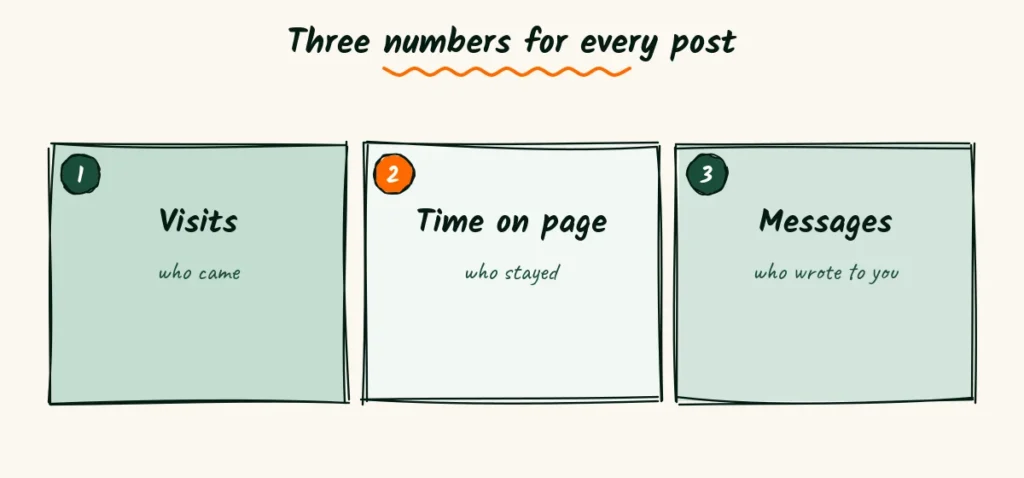
Look at three numbers
For each post, note how many people visited, how long they stayed and whether anyone contacted you after reading it.
A post with lots of visits but no messages may be attracting the wrong readers, such as other photographers.
A post with few visits but two inquiries is gold, so write more like it.
Ask new clients how they found you
Numbers only tell part of the story. When a new seller books, ask which post they read first.
Their answer often points to a headache you hadn’t thought much about.
Add it to your list, and the next post practically writes itself.
Keep old posts working for years
A blog post isn’t finished when you hit publish. A little care keeps it bringing visitors long after.
Update when the rules change
Marketplace posts go stale fastest. When a platform changes its photo rules, update your post the same week.
Add a short line near the top that says what changed and when. Sellers notice, and they’ll trust your other posts more because of it.
Add new before and afters
Every new client shoot gives you a fresh example. Swap a tired before and after for a new one once or twice a year.
It keeps the post feeling current, and it shows sellers you’re busy doing the work you write about.
Retire what no longer helps
Some posts stop being useful. A tool disappears, or a trick no longer works.
Rewrite those posts with today’s advice, or join them into a stronger post on the same topic.
A smaller blog full of useful posts beats a big one full of dead ends.
The approach works across niches.
These blog ideas for brand photographers start from the client’s real questions too, just for local shops instead of online sellers.
Which headache will you answer first?
Picture two blogs a year from now. One is full of lens reviews and gallery posts.
The other is full of product photographer blog ideas that each answer one seller’s question.
Only the second one gets messages from shops.
The opening is wide right now.
Few product photographers write for sellers at all, so a handful of honest, specific posts can rank faster than you’d expect.
There is a catch. Search tools and AI answers now hand out quick, generic tips for free.
Thin posts that repeat the obvious will get skipped.
Posts with your own before and afters, real numbers and clear steps are much harder to replace.
So pick one headache from this list today. Write one post that answers it fully, with one real example.
Then plan the next five, and you’ll have a blog that works for your business.
Frequently Asked Questions
How long should a product photography blog post be?
Long enough to fully answer one question. For most how-to posts that’s 800 to 1,500 words, plus clear photos.
Can I write about Amazon or Etsy rules if I’m not an expert?
Yes, if you link to the official page, date your post and stick to what the rules say. Avoid guessing or giving legal advice.
Should I post prices on my blog?
A post explaining what affects price works well. Keep your exact rates on one services page so you only update them in one place.
Do I still need a blog if I post on Instagram?
Instagram posts fade in days. Blog posts can be found on Google for years, so they work well together.
Can I use AI tools to help write my blog posts?
They can help with outlines and first drafts. Add your own photos, numbers and voice, or the post will read like every other one.

Read next
20 Brand Photographer Blog Ideas From Small Business Owners’ Queries

Every owner asks the same five questions. Turn each into four blog posts and you have 20 ideas that bring in real inquiries.
Read Now25 Personal Branding Photography Blog Ideas Hiding in Your Shot List

Every scene on a brand shoot plan is a post someone is searching for. Turn your shot list into 25 topics and a year of posts.
Read NowWhat Should a Headshot Photographer Blog About? 25 Ideas

Your clients already ask the questions. Turn them into 25 blog posts, one simple recipe and a calm 12-month plan.
Read Now